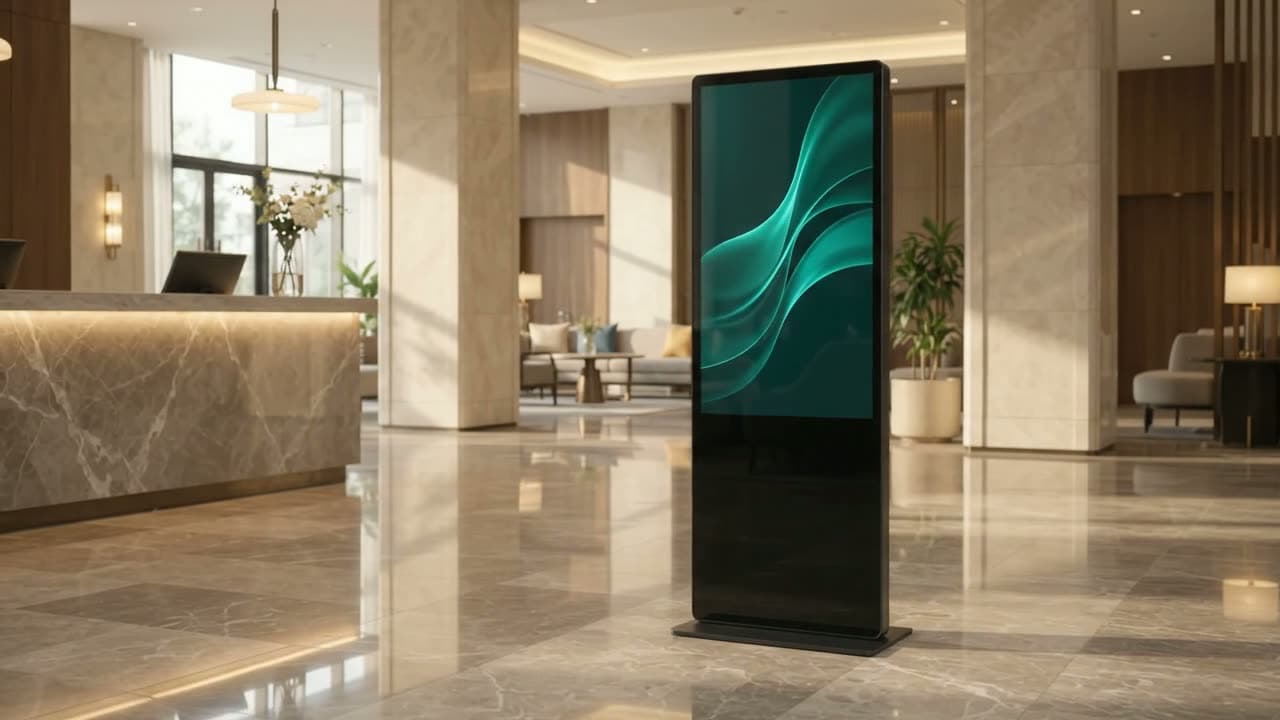
 Visualisation
Indoor totem · Kiosk stele
Indoor Digital Totem and Touch Kiosk
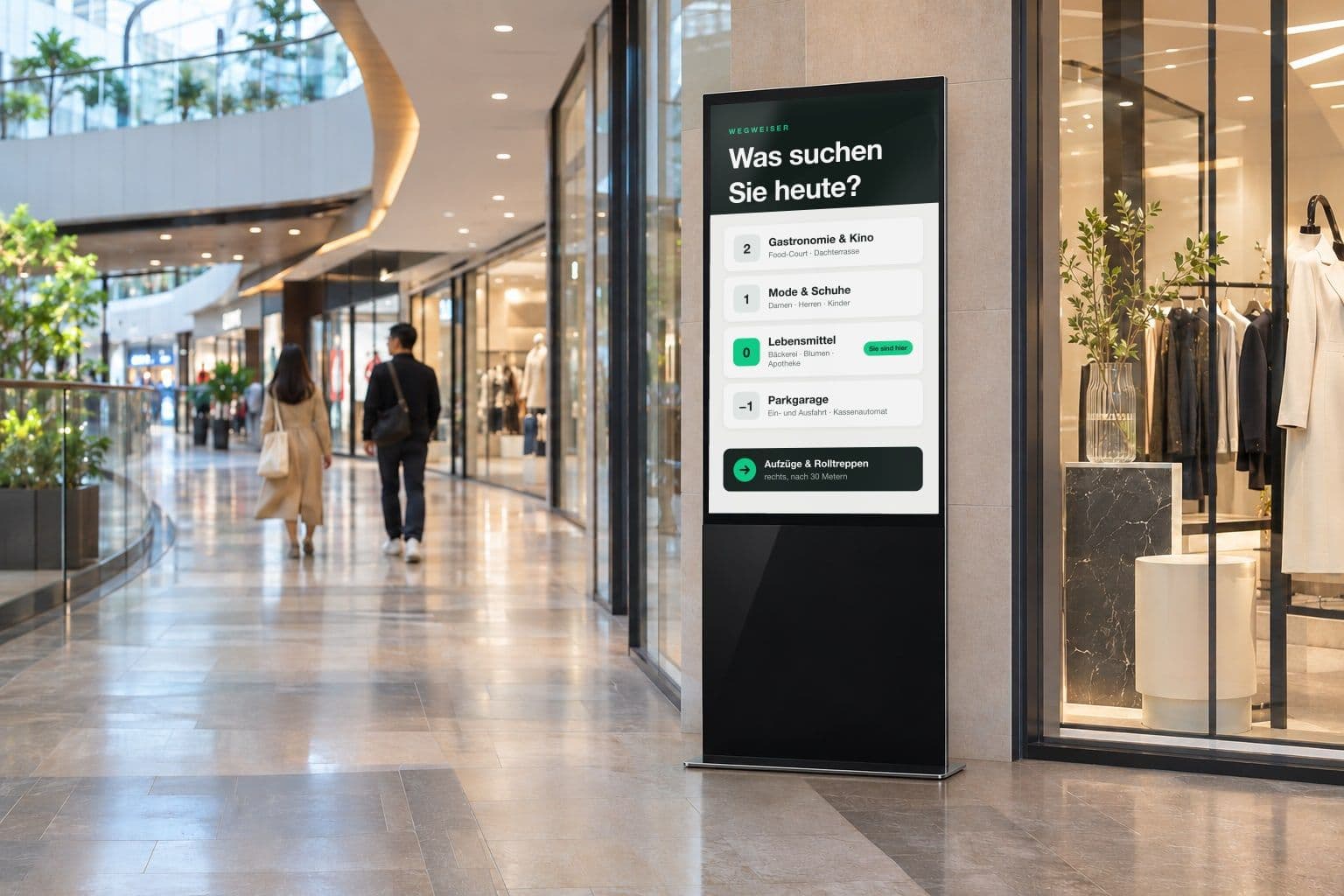
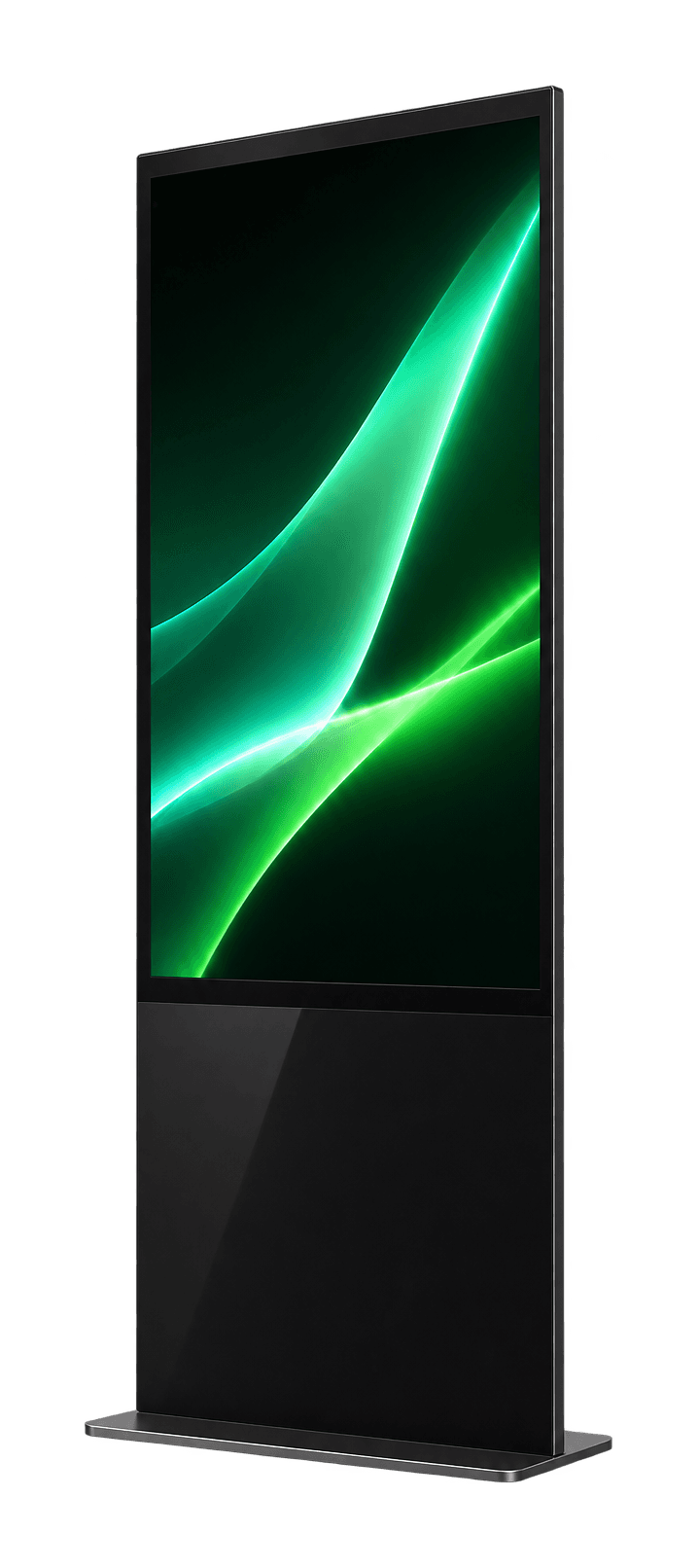
An indoor digital totem, also called a kiosk stele, is a freestanding portrait display for interior spaces. It is placed rather than mounted, so no wall has to be drilled and no landlord approval is needed. smartenic supplies the SMARTENIC Tower Indoor for this: a kiosk stele on castors in 43, 49, 55 and 65 inches, with 4K UHD and an Android player, touchscreen on request, rated for 24/7 operation. Content is loaded from a USB stick. Typical locations are reception desks, foyers, waiting areas, sales floors and museums. Designed in EU.
- Screen size
- 43–65″
- Resolution
- 4K UHD
- Continuous duty
- 24/7
- Touch (optional)
- 10-point
Range
Which indoor totems does smartenic offer?
Four form factors for indoors, outdoors and the shop window.
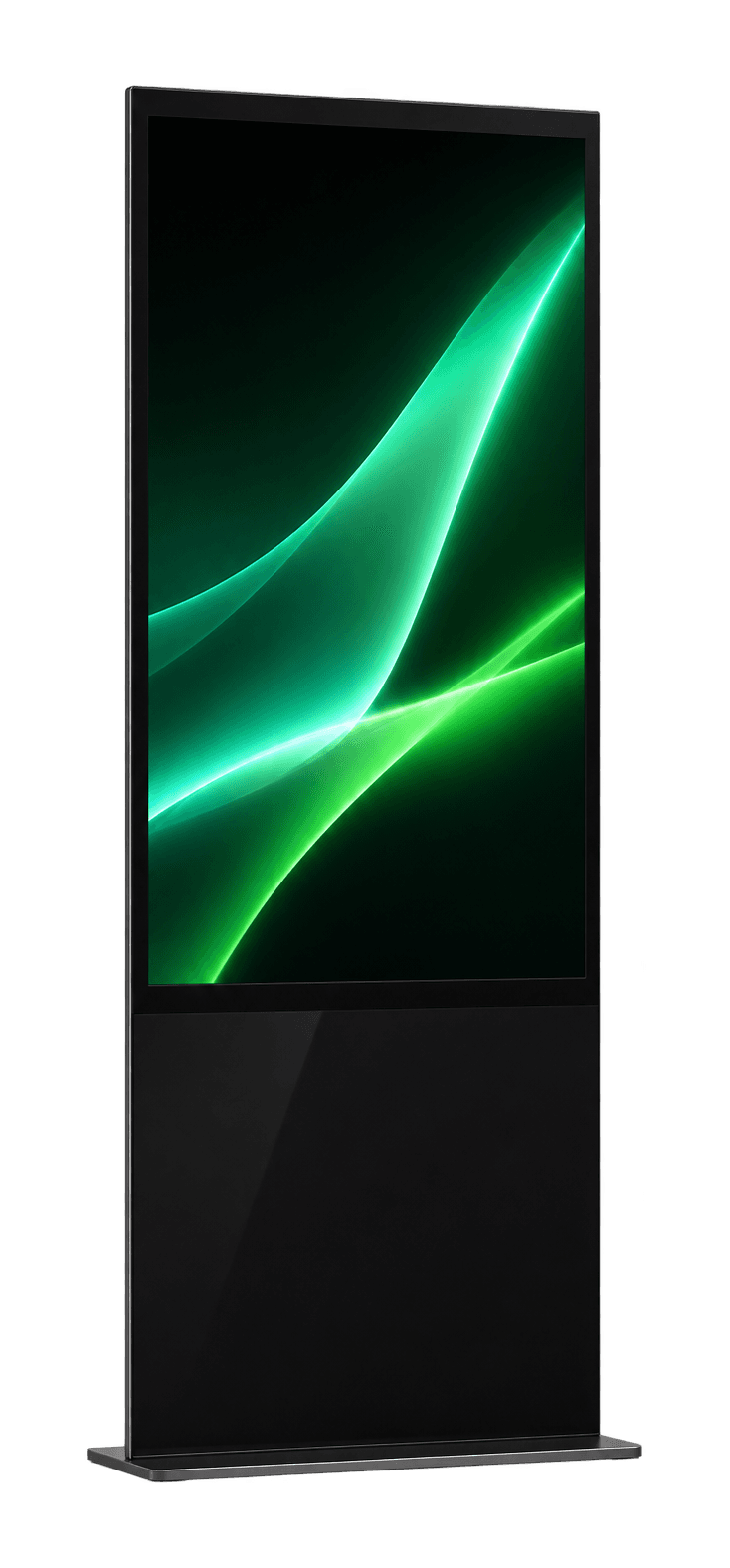
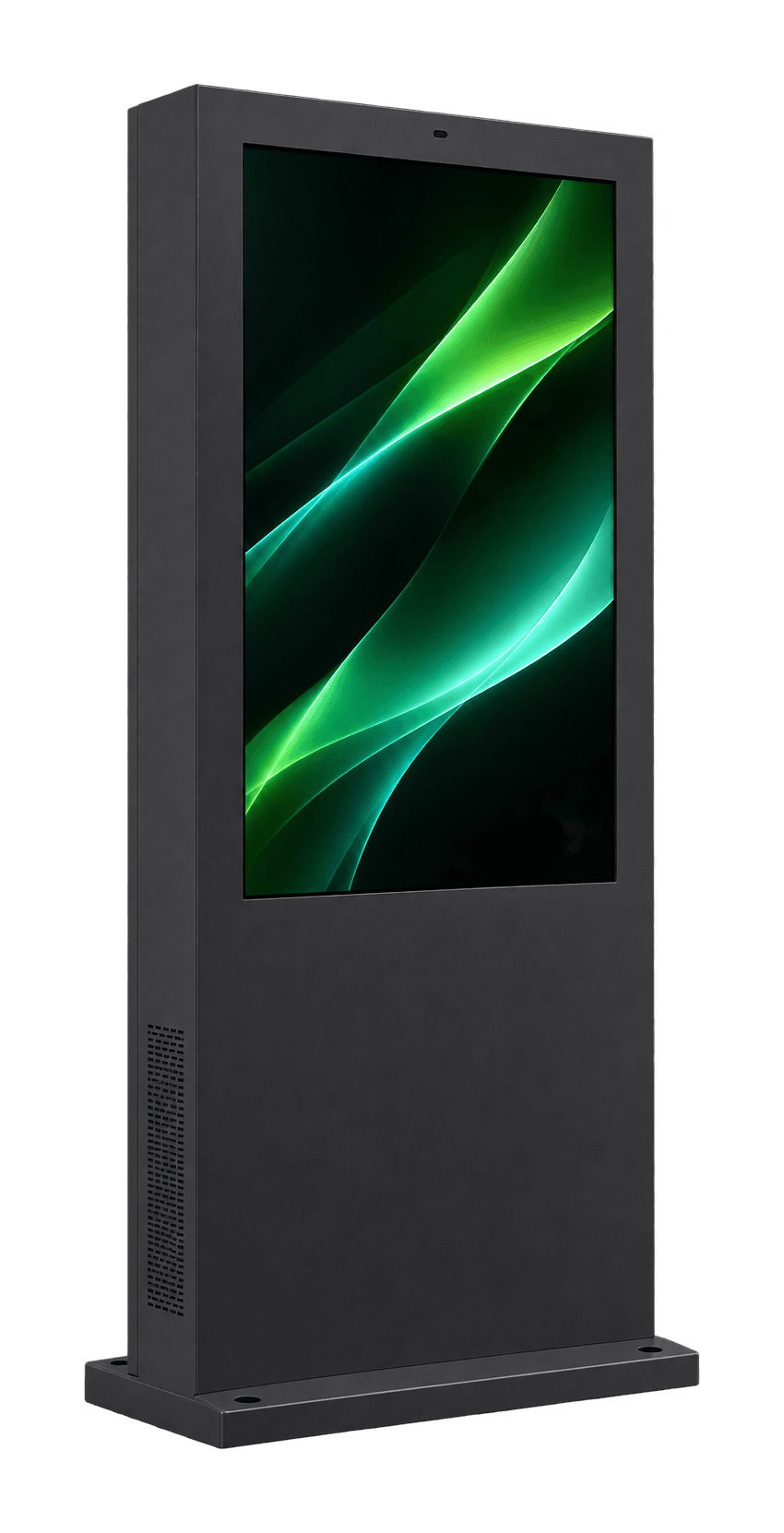
Indoor totem
Tower Indoor
Freestanding on castors, 43 to 65 inches, touch optional.
Learn more Tower Indoor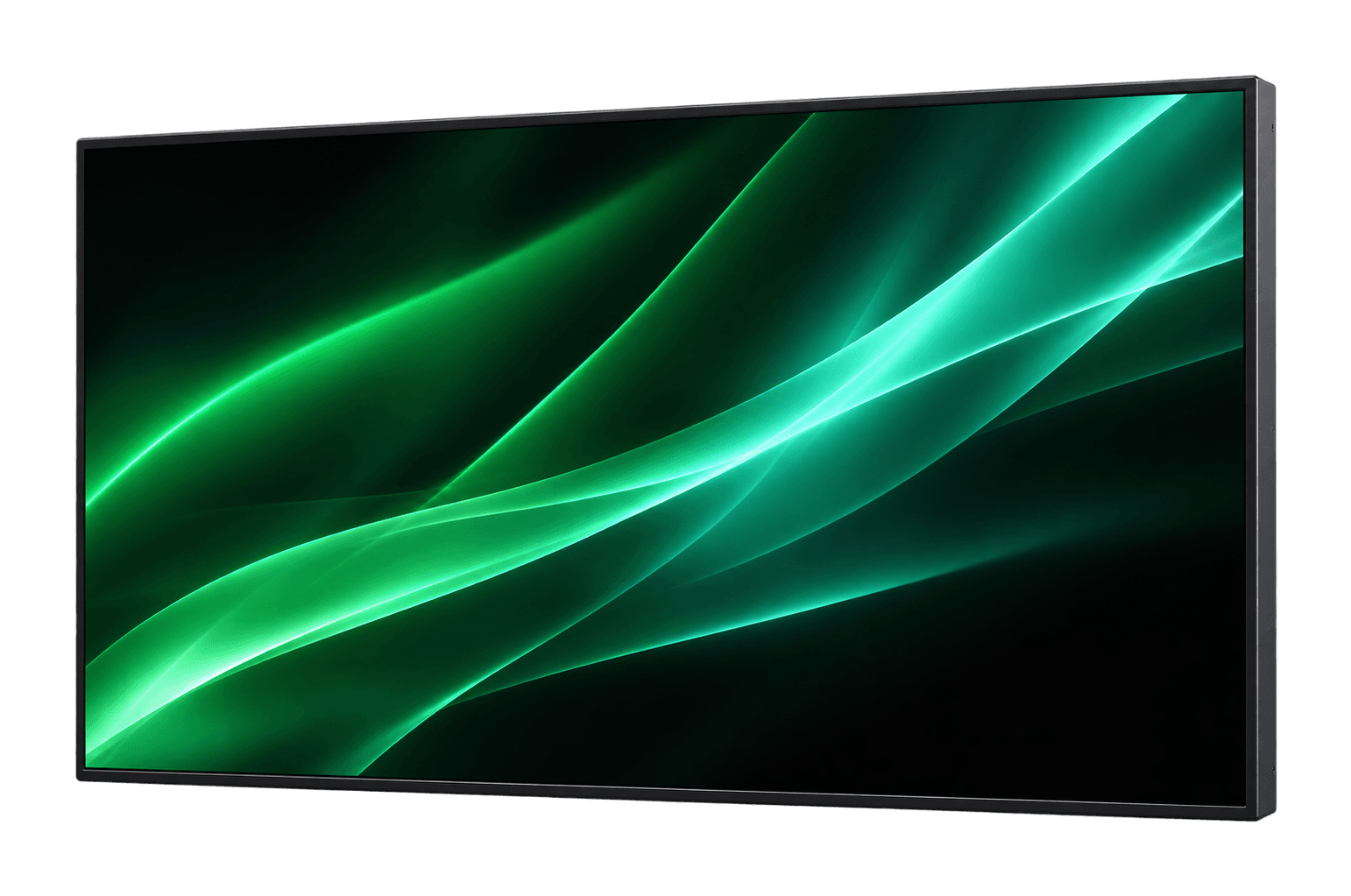
Indoor wall display
Vision Indoor
Wall display, 32 to 55 inches, portrait or landscape.
Learn more Vision Indoor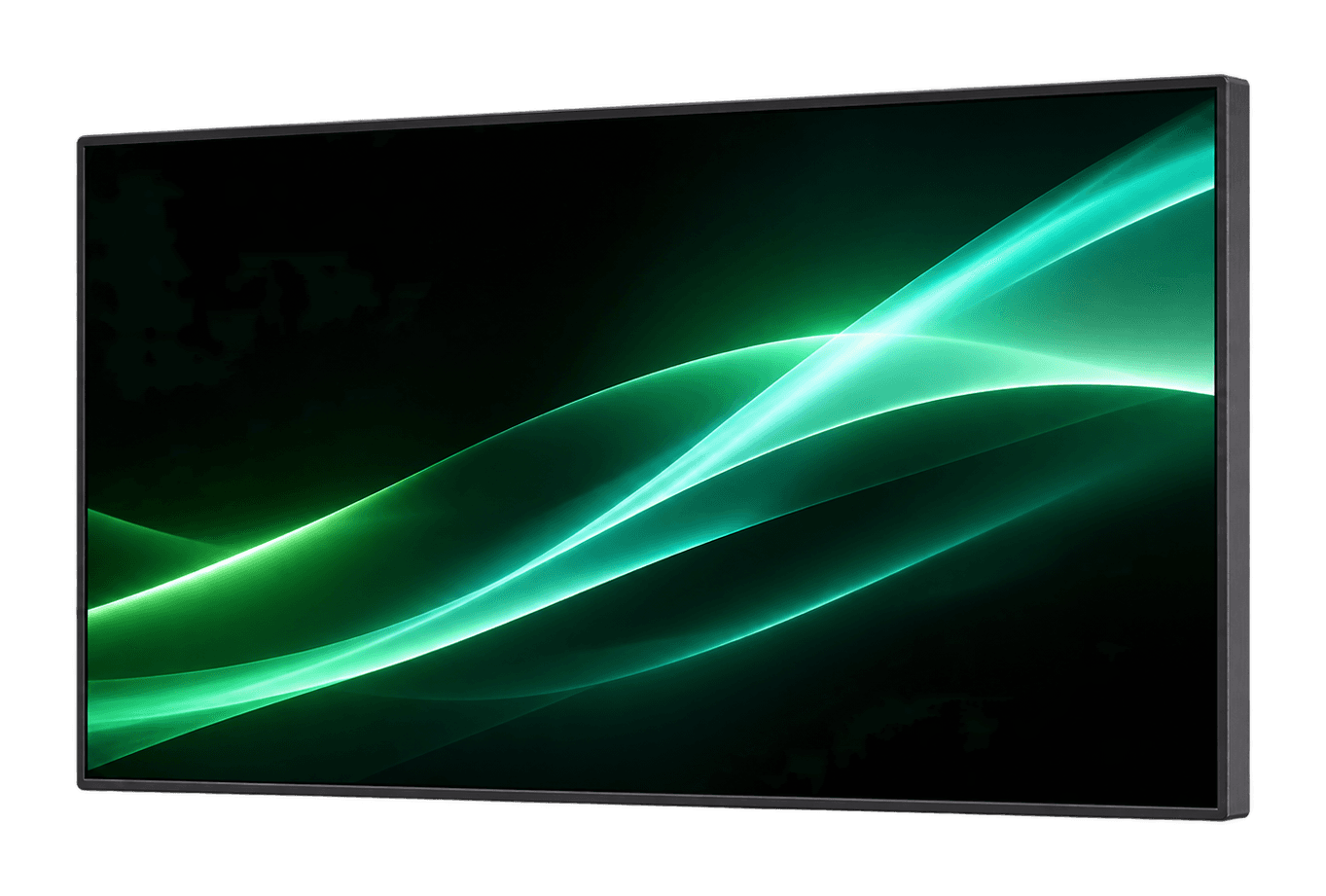
Benefits
Why choose a freestanding indoor totem?
Placed, not mounted
The totem carries its own weight. No wall opening, no landlord sign-off, no cable trunking above head height. You can move it whenever the layout changes.
 Visualisation
Touch as an upgrade
The SMARTENIC Tower Indoor is available with a 10-point touchscreen. Visitors then decide what they see: indoor wayfinding, product lookup, self check-in at reception, or a short form in the waiting area.
43 to 65 inches at 4K UHD
The resolution keeps price lists, menus and floor plans legible at small type sizes. Portrait orientation takes up far less floor space than a landscape screen of the same diagonal.
Rated for 24/7
The panels are specified for continuous duty rather than office hours. A totem in a hotel lobby, a clinic foyer or a gym keeps running overnight and through the weekend.
Designed in EU
Advice, delivery and support come from smartenic in Vienna and Bratislava, in German, English and Slovak. One contact from selection to set-up.
In detail
What is inside the Tower Indoor
Four points that matter when choosing.
4K UHD, 43 to 65 inches
IPS panel with 178° viewing angle, 300 nit.
Touch as an upgrade
10-point touchscreen on request.
Android player
USB plug and play and HDMI input.
On castors
Placed, not mounted: no wall opening.
Location
Where the Tower Indoor stands
Reception, mall or sales floor: the totem goes where visitors walk past anyway.
In a hotel lobby it welcomes guests and shows the programme, directions or offers.
 Visualisation
Technology
What are the SMARTENIC Tower Indoor specifications?
- Form factor
- Freestanding portrait totem, no wall mounting
- Screen size
- 43, 49, 55 and 65 inch
- Resolution
- 4K UHD
- Interaction
- Android media player, USB plug & play, HDMI input; touchscreen (10-point PCAP) as an upgrade
- Duty cycle
- Rated for 24/7 continuous operation
- Enclosure
- Floor-standing on castors, IPS panel with 178° viewing angle, 300 nits
- Lead time
- 12–16 weeks from order, 55 inch in stock
- Software
- USB plug & play
- Price
- Price on request
Use cases
Where are indoor totems used?
What does Designed in EU mean for an indoor totem?
An indoor totem sits where customers and staff walk past every day. When it fails, everyone notices. That is why we rely on commercial-grade devices and short lines of communication:
- Commercial-grade device for 24/7 operation, no external buttons
- Content via USB stick, no cloud account and no network required
- Contacts in Vienna and Bratislava
- Direct support in German, English and Slovak
- Lead time 12–16 weeks, the 55-inch totem from stock
- CE conformity for Austria, Germany and Switzerland
Book a Free Consultation — 30 Min, No Obligation
FAQ
Frequently asked questions about indoor totems
How much does an indoor totem cost?
Four things drive the price: screen size, touch versus display-only, quantity, and whether delivery, placement and training are part of the quote. A single totem for one reception desk is costed differently from ten totems for a retail chain with central content management. We give you the price for your configuration on request.
How is a totem different from a wall-mounted display?
The totem stands on the floor and carries itself. A wall model needs a load-bearing wall, a drilled mount and a socket at mounting height, but costs less and takes no floor space. In leased premises, listed buildings and at trade shows, the decision usually goes to the totem.
Can an indoor totem be operated by touch?
Yes, the SMARTENIC Tower Indoor is available with a 10-point touchscreen as an upgrade. That enables indoor wayfinding, product lookup in the aisle, self check-in at reception and feedback prompts in the waiting area. Without touch the totem stays a playback-only advertising screen, which is often enough for offers and menus.
What is the difference between an advertising totem, an info totem and a kiosk?
Technically it is the same hardware; the name describes the job. An advertising totem plays campaigns and offers, an info totem shows opening hours, floor plans or waiting times, and a kiosk expects input from the visitor. One device can do all three, controlled by the playlist.
What screen size makes sense for an indoor totem?
It depends on reading distance. At a reception desk or in a shop aisle people read from one to two metres, and even a 43- or 49-inch totem carries body text, price tables and floor plans at that range. In large foyers, layout matters more than the diagonal: few lines, large type, high contrast.
Can an indoor totem be placed outdoors?
No. Indoor totems have no weatherproof enclosure, no heater and not the brightness for direct sunlight. Moisture and frost cause failures. For entrances, car parks and open passages there is the weatherproof outdoor range. A covered but open-sided area already counts as outdoors.
How do I manage the content on a digital totem?
Via USB stick: copy images and videos onto the stick, plug it in and the totem plays them.
How is an indoor totem set up and connected?
The totem is moved into position, aligned and plugged into a standard socket. The optional network version also connects via LAN or Wi-Fi; by default, content runs from a USB stick. The content is then loaded. Standard installations take one to two working days.
Guides on this topic
Guide
Buying an indoor kiosk display: 10 points to settle before you order
Size, touch, content, power and network, delivery time: the ten questions to answer before you buy an indoor kiosk display.
Guide
Reception Displays for Companies: Totem or Wall Display?
The first impression is made at reception. When an indoor totem fits, when a wall display does, what content visitors really need and how to approach the planning.
Guide
Advertising Display: Which Design Suits Your Advertising?
Totem, wall display, shop window or LED wall: which advertising display suits which location, how content is managed and what to settle before buying.
Related
More digital signage pages
Request an indoor totem
Tell us where the totem will stand and what it has to show. We propose a matching configuration and give you the price for it.
Request a quote